
How to Search Cases by Name
Begin with the court named on your filing, notice, or citation. "Johnson County" by itself is not a complete search choice. For a Superior matter, the official Georgia Courts E-Access directory lists Johnson Superior. It then routes you to PeachCourt. The state page requires an account. Registering for free does not mean every document image comes free.
- Open Georgia Courts E-Access and choose the Johnson Superior row.
- Follow the official provider link and sign in or create an account.
- Use the permitted party or case fields, then keep the county and court set to Johnson Superior.
- Narrow a broad result by case category, type, filed date, status, or another field the live screen offers.
- Open the matching case and compare its number, court, filed date, and recent event with the record in hand.
- Save the date searched and call the clerk when a result is absent, stale, or unclear.
Johnson County does not offer a local live name-search form. Enter names the way the portal permits. Court and date filters help separate similar results.
Johnson County E-Access Route
Think of the state directory as a map rather than a master database. Georgia runs no single statewide case search covering every court. Each row links a participating court to its provider. Johnson Superior's row leads to PeachCourt. That says nothing about Johnson Probate, Magistrate, Juvenile, Wrightsville Municipal, or federal records. Those sit outside this route entirely.
Start with the Georgia Courts directory. The state can refresh its court-to-provider links. The directory therefore stays the most reliable first step for a Johnson County docket search.
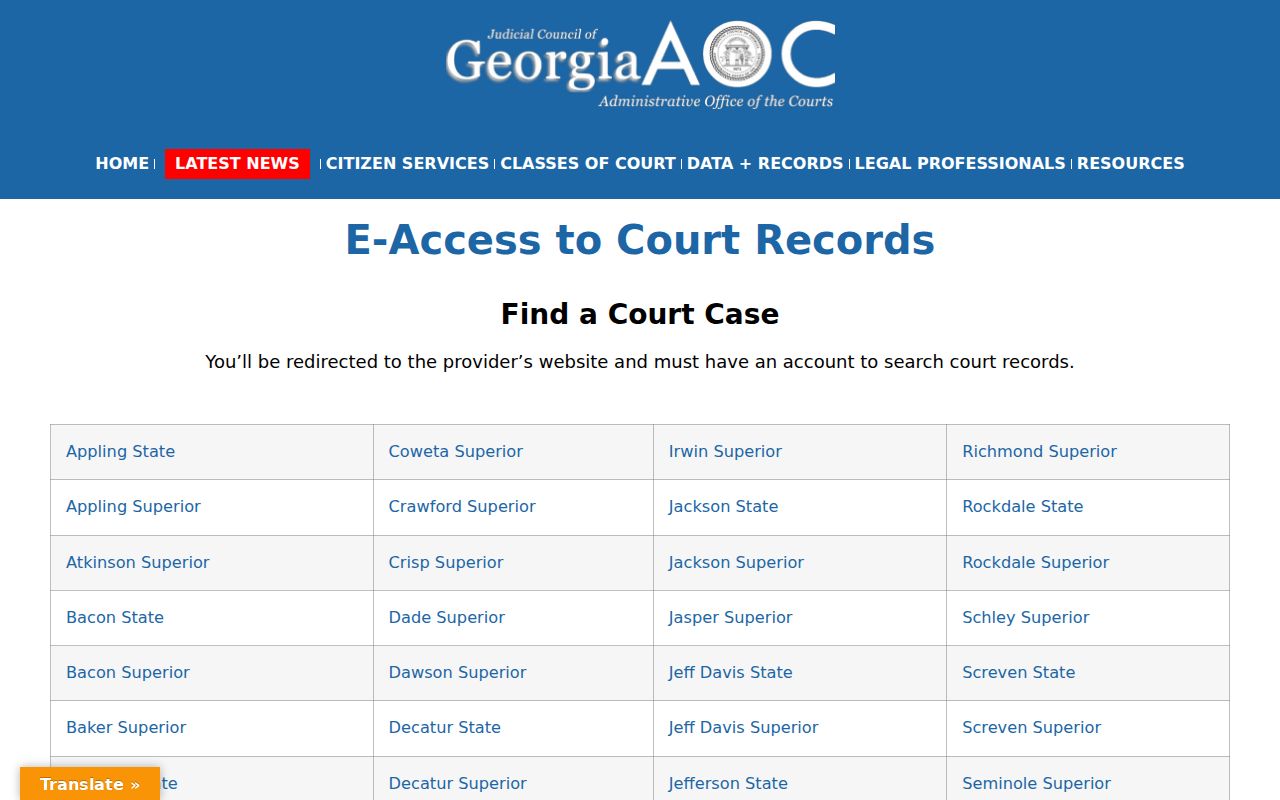
Follow the Johnson Superior row instead of guessing at a vendor path or picking another circuit county. For a lower court, contact the office that created the record. That court may use a different search or copy route.
How to Search by Case Number
A complete case number is the strongest key. It ties the search to one court record. An official Johnson County public-document notice uses 2023-CV-0125. The example shows a year, a civil-looking type code, and a sequence. That does not prove the format fits every court or case class. Copy the punctuation, zeros, and suffix exactly from the clerk's notice. If a full number fails, try only the formatting choices the live portal supports. Never swap a civil code for a criminal code or assume the record was removed. Confirm the number with Patricia Glover's office at (478) 864-3484. For Probate or Magistrate, call (478) 864-3316 and say which case class is involved.
Johnson County PeachCourt Account
PeachCourt wears two hats for Johnson County. The state directory names it as the E-Access provider for Johnson Superior. The state e-file table also lists it as the mandatory e-filing provider. Searching and filing remain separate tasks even inside one account. The clerk keeps the original court record. PeachCourt just offers an account window into accepted data and images.
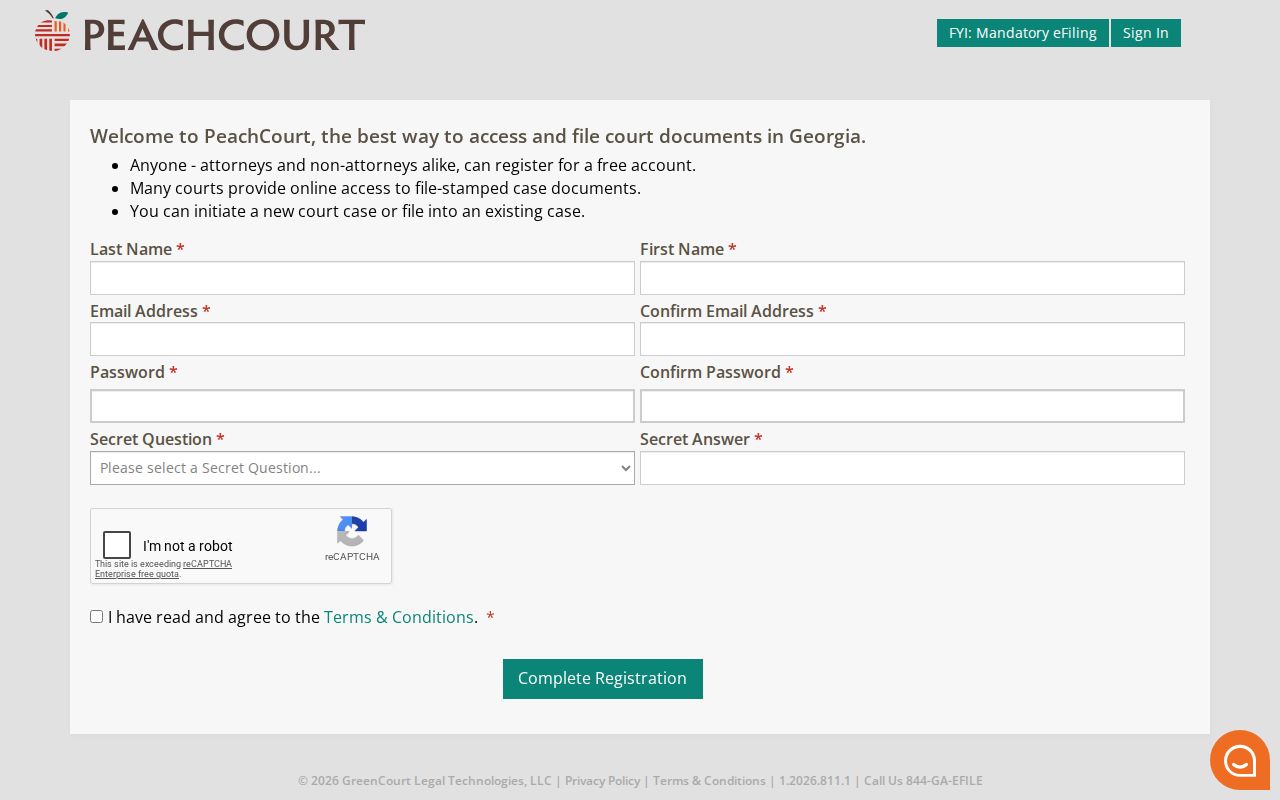
The PeachCourt access screen presents Email and Password fields. It also offers password help and a registration path for new users.

Use the official state link before entering account credentials. A login gate does not show that a public case is sealed. A successful login does not ensure that every old image or lower-court filing is present. Note: Record the court choice and search time. Provider coverage and the latest accepted docket event can change.
What a Case Search Shows
A Johnson County case result is an index into the record, not the record itself. The result row and detail screen can identify the case, parties and roles, category, status, judge, filings, events, and hearings. The docket line is not automatically the document behind it.
| Case number | The court's unique key, copied exactly from the result. |
|---|---|
| Court and location | The record owner; confirm Johnson Superior rather than another circuit county. |
| Case type | The portal's civil, criminal, or more specific label. |
| Filed date | The date the initiating paper was accepted or recorded. |
| Status | Open, pending, closed, disposed, or another platform term that needs event context. |
| Judge | The listed assignment, which may later change. |
| Last event | The newest indexed filing, order, setting, or administrative act. |
Open the chronology before reading a status as an outcome. A motion is a request, not proof it was granted. A notice is not a judgment, and an online image is not a certified copy.
Johnson County Free Account Boundary
Registration is free. PeachCourt lets both attorneys and non-attorneys sign up. Expect the form to ask for name, email, password, a secret question and answer, reCAPTCHA, and agreement to terms. One caution: a free account is not a pass to every document page.
The PeachCourt registration screen walks you through that account step.
PeachCourt's document service applies page and convenience charges to some document purchases. A free option exists, though. Accepted public e-filings can be opened at no cost on a courthouse public terminal during regular hours, under Georgia's electronic-filing statute. That access is subject to lawful limits. Viewing a file for free at the terminal does not guarantee a free take-home PDF.
County vs Statewide Case Search
Johnson County offers no separate county-built Superior case portal. The official state directory routes Johnson Superior to PeachCourt. re:SearchGA is a Tyler-hosted statewide search layer described in an official quick-reference guide. Its live page presents an access barrier, so treat it as secondary rather than Johnson's primary provider.
| Route | Verified Johnson Use | Best Next Step |
|---|---|---|
| Georgia Courts E-Access | Official directory row for Johnson Superior | Use it to reach the named provider |
| PeachCourt | Johnson Superior E-Access and mandatory e-file provider | Search a known Superior case and review available details |
| re:SearchGA | No Johnson-specific provider role proved in the research | Treat it as a separate state search layer, not a substitute for the clerk |
| Clerk and public terminal | Direct access to the responsible custodian and accepted public filings | Use for missing, current, or official material |
The re:SearchGA portal is a good reminder to jot down which portal you used and your access state before you search.
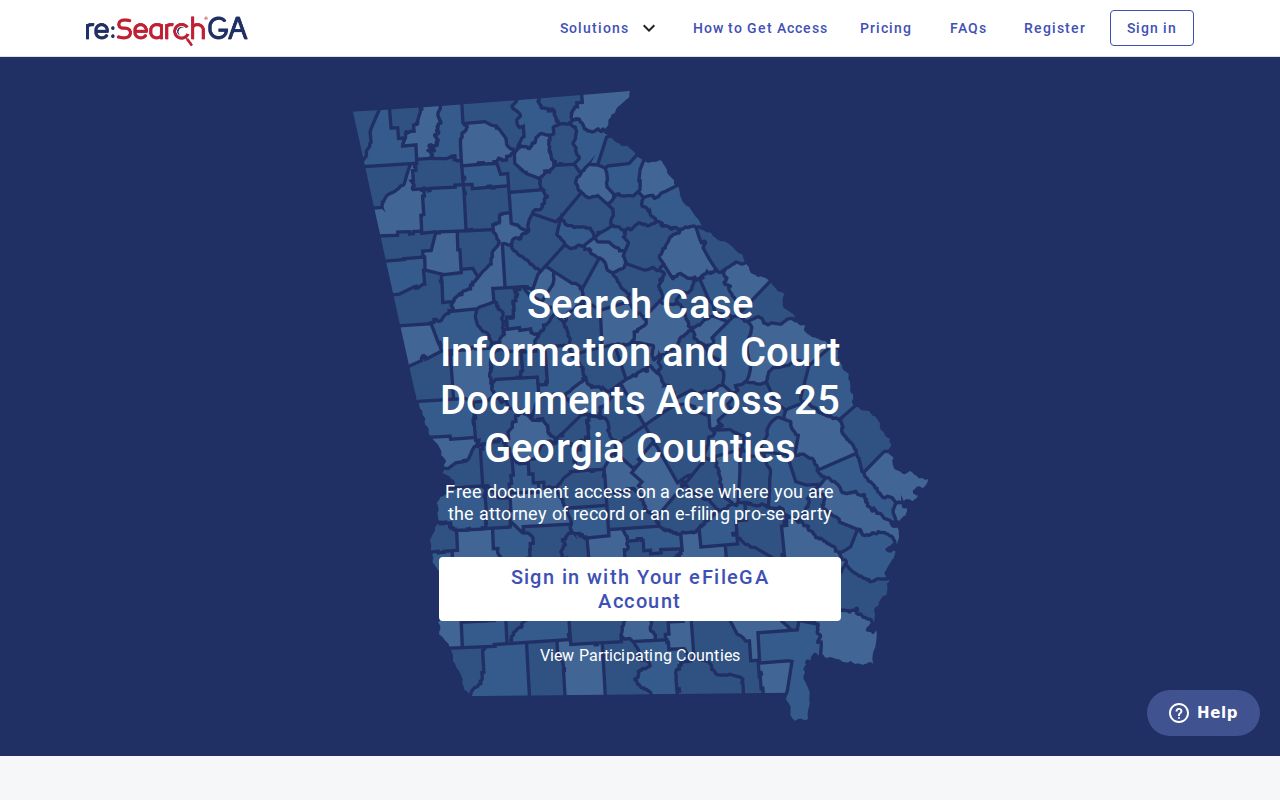
Its guide describes Cases, Filings, Text, and Hearings modes, plus filters, export, and saved searches. Those features cannot be promised for each Johnson case without a successful live check.
Johnson County Search Result Layers
Keep three layers apart when you read a Johnson County case lookup. The first layer is the search result. It is only a short list of matches. The second is the docket, the chronological index of activity in the case. The third is the document image. That is the filed motion, notice, order, judgment, transcript, or exhibit behind an entry. One layer can sit in front of you while another stays out of reach.
For your own matter, write down the latest event date and the full label on the entry. Then check the linked image. See whether it is open, redacted, sealed, chargeable, or held only by the clerk. If a result on the screen conflicts with a filed paper, the clerk's accepted record controls. A certified copy must come from the clerk or an authorized eCertification process. Never rely on a saved picture of the page.
Restricted Cases and Access Rules
Georgia starts from a strong presumption that court records are public. Still, statute, rule, or court order can close all or part of a file. Uniform Superior Court Rule 21 sets the framework for limits on access to court files. Juvenile files carry extra statutory limits. Sealed or redacted material may leave only a public marker, a partial docket, or no open image at all.
Never try to work around an access control. Ask the proper clerk whether a public docket exists. Ask what a lawful request would take. The Superior Clerk custodian statute is a good example of the rule: requests for original Superior records go to the clerk, even when a vendor displays the case.
When Johnson County Search Fails
A search that returns nothing does not prove the case is absent. Coverage varies by court, case age, case class, filing acceptance, sealed status, and image availability. A brand-new entry may simply not show yet. The case number may also be wrong. Or the record may sit with Probate, Magistrate, Juvenile, Wrightsville Municipal Court, or a federal court instead of Superior Court.
For a Superior matter, call Patricia Glover at (478) 864-3484, visit 2557 East Elm Street, or mail a narrow request to P.O. Box 269, Wrightsville, Georgia 31096. Ask about the courthouse public terminal, archived files, and copy procedures. A record held by another court belongs with that clerk. If what you really need is a hearing date, the Johnson County court dates process helps. It adds the circuit calendar plus a fresh setting check.
Best fallback: Give the clerk the court, full case number if known, record type, and date range.
Ask for the public docket, a named document, or a certified copy as distinct items.